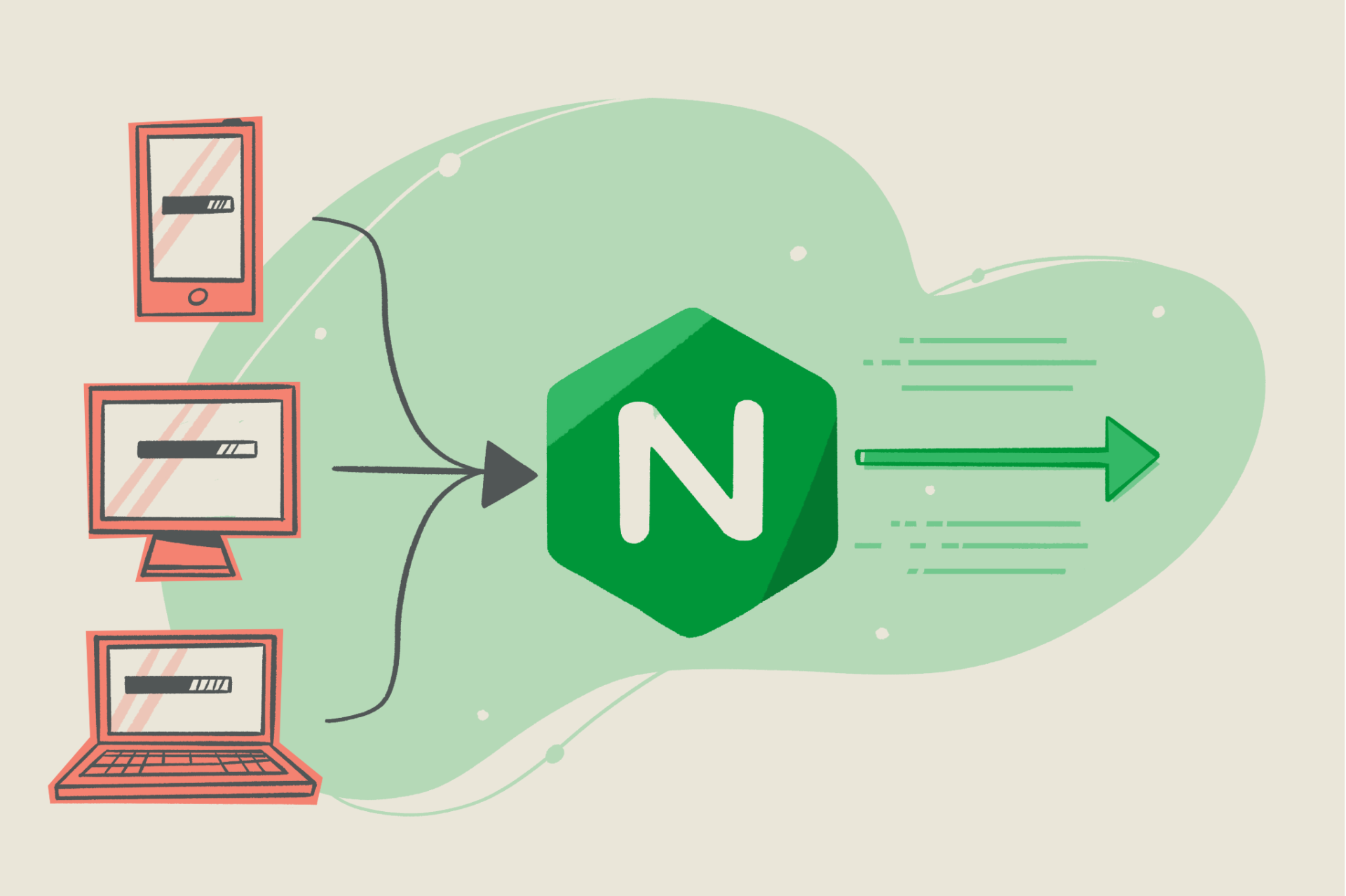
Hide server nginx, apache in Respone Header

Solution 1 : Use the 3rd-party “Headers More” Module : Upgrade nginx-common and nginx-extras : Configuration nginx.conf Test Nginx Solution 2 : Install and Compile new module Headers-More-Nginx-Module Download your version nginx : Decompress your nginx.tar : Download the source

Configuration HTTP/2 NGINX

Open the configuration file for your domain: In the file, locate the listen variables associated with port 443: The first one is for IPv6 connections. The second one is for all IPv4 connections. We will enable HTTP/2 for both. Test

Install Let’s Encrypt in Nginx

Install Core Remove old certbot Install Certbot Prepare the Certbot command Install your certificates… Or, just get a certificate Test automatic renewal Second way to install : Check SSL Certificate : Auto Renew Certbot by Cron :